Junior cleans every transcript into something you'd actually want to read, then gives you a fast way to check the result.
What cleaning is
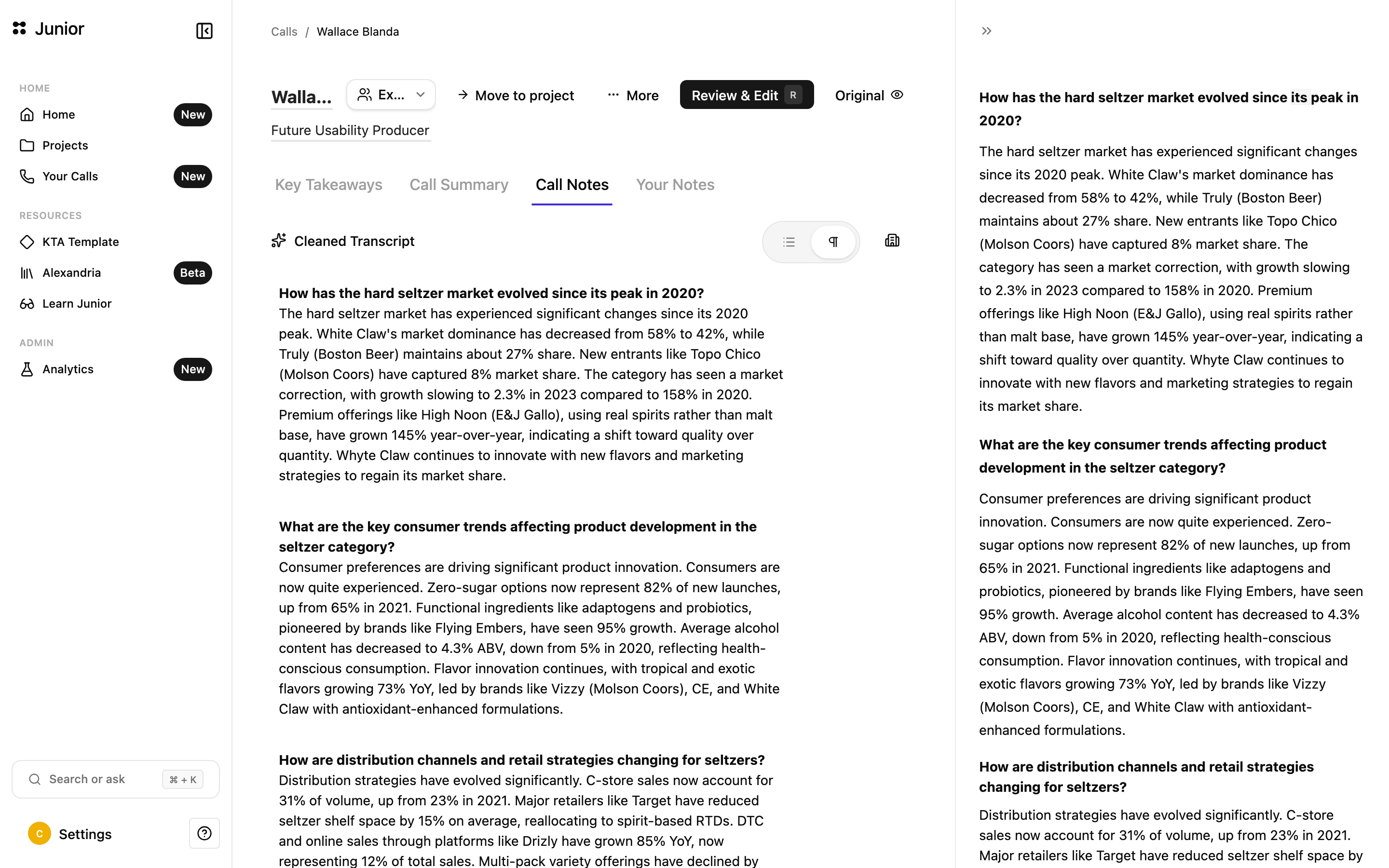
After a call is transcribed, Junior cleans the raw transcript into readable form:
- For interviews, into clean question-and-answer blocks.
- For meetings, into tidy meeting notes.
In both cases, cleaning removes filler and false starts and fixes obvious errors, so the transcript reads clearly instead of like a raw, word-for-word dump.
Reviewing a call
The review flow lets you step through the cleaned blocks one at a time and confirm they're right. For each block you can:
- Approve it: mark it reviewed.
- Delete it: remove it from the call.
- Edit it: make any changes you want into the text.
As you go, blocks move from needs review to approved.
Review modes and controls
You can review in one of two modes:
- All: step through every block.
- Focus: make a focused pass through the blocks.
While reviewing, you can also merge and pin blocks, open a keyboard-shortcut panel, and open an export preview to see how the finished call will look.