Reading a transcript is one thing; pulling pieces out of it is another. Highlight passages into quotes, play the audio back in sync with the words, and switch languages on a foreign-language call.
Highlighting text into quotes
Highlight any text in the transcript to create a quote. Highlights are color-coded by author, so yours look different from your teammates', with small avatars showing who highlighted a passage. Select a highlighted passage and you'll see a Save quote action.
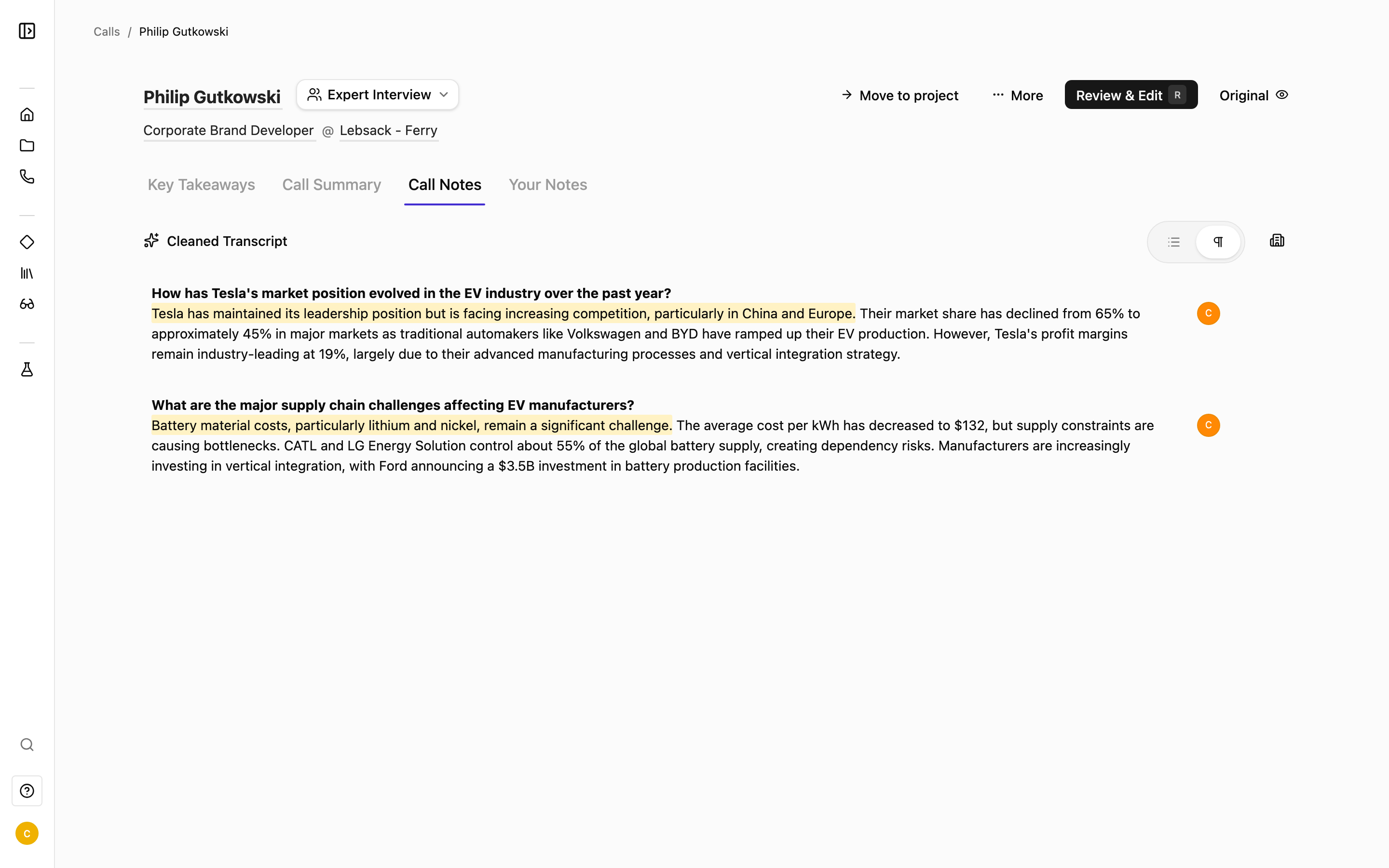
You can also toggle entity highlights, the automatic highlighting of companies and people, on and off by pressing Shift + H.
The audio player (if allowed by your organization)
Every recorded call comes with an audio player synced to the transcript. It gives you:
- Play / pause and 2x speed.
- A timeline and a waveform of the recording.
- Section-by-section playback synced to the transcript — click a block to jump straight to that moment, and name sections from the transcript player.
- Trim Audio — cut the recording down to the part you want.
You may occasionally see a "Loading audio…" state while the recording loads, or an "Audio blocked" state.
Because playback is synced to the transcript, the fastest way to hear how something was said is to click the block you're reading. The audio jumps right to it.
Foreign-language calls
If a call wasn't in English, Junior translates it and keeps the original. You'll see two sub-tabs:
- English: the translation.
- Original Language: the transcript in the language it was spoken.
Toggle between them at any time. When you export, you can choose which language to include.